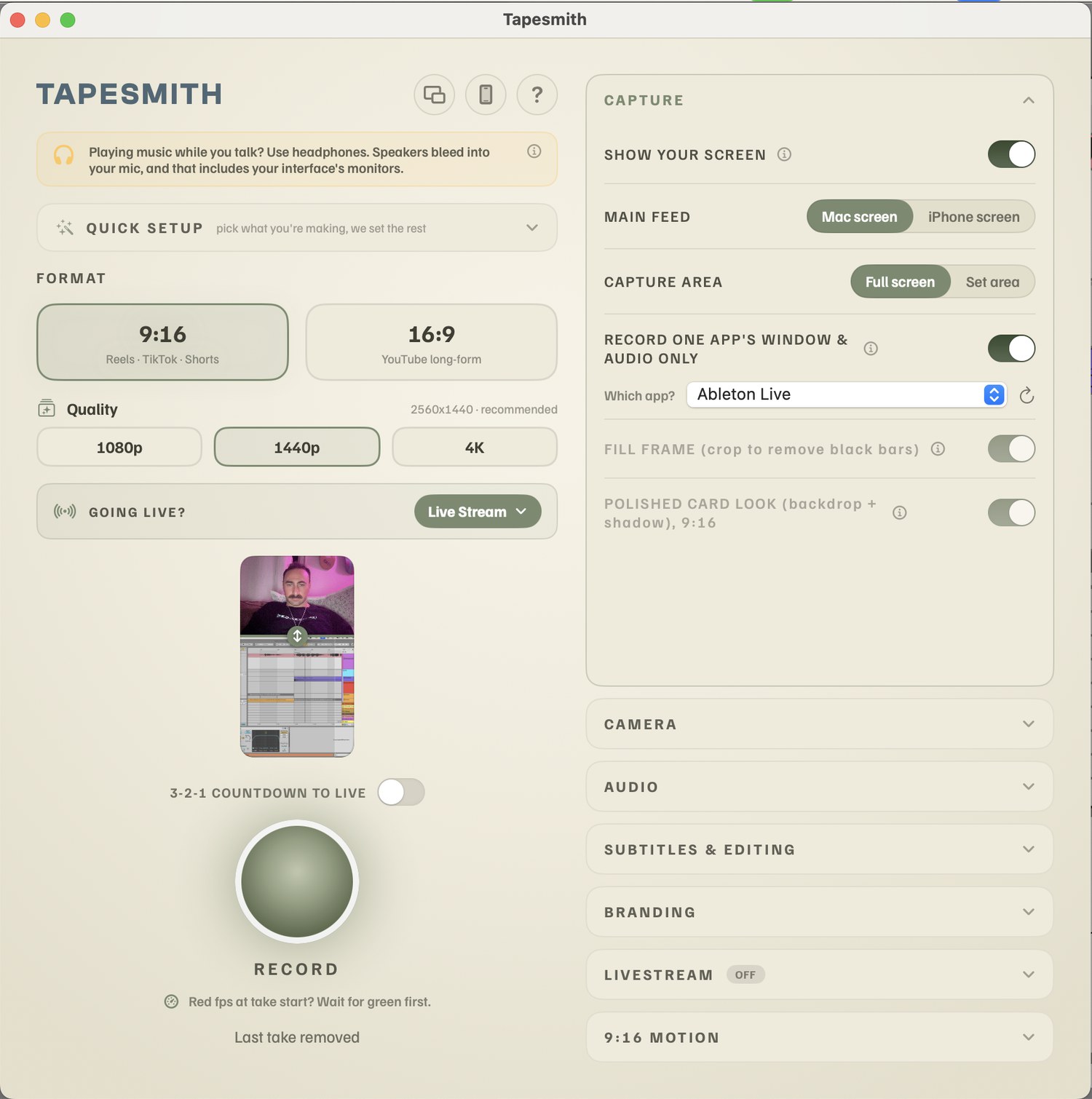
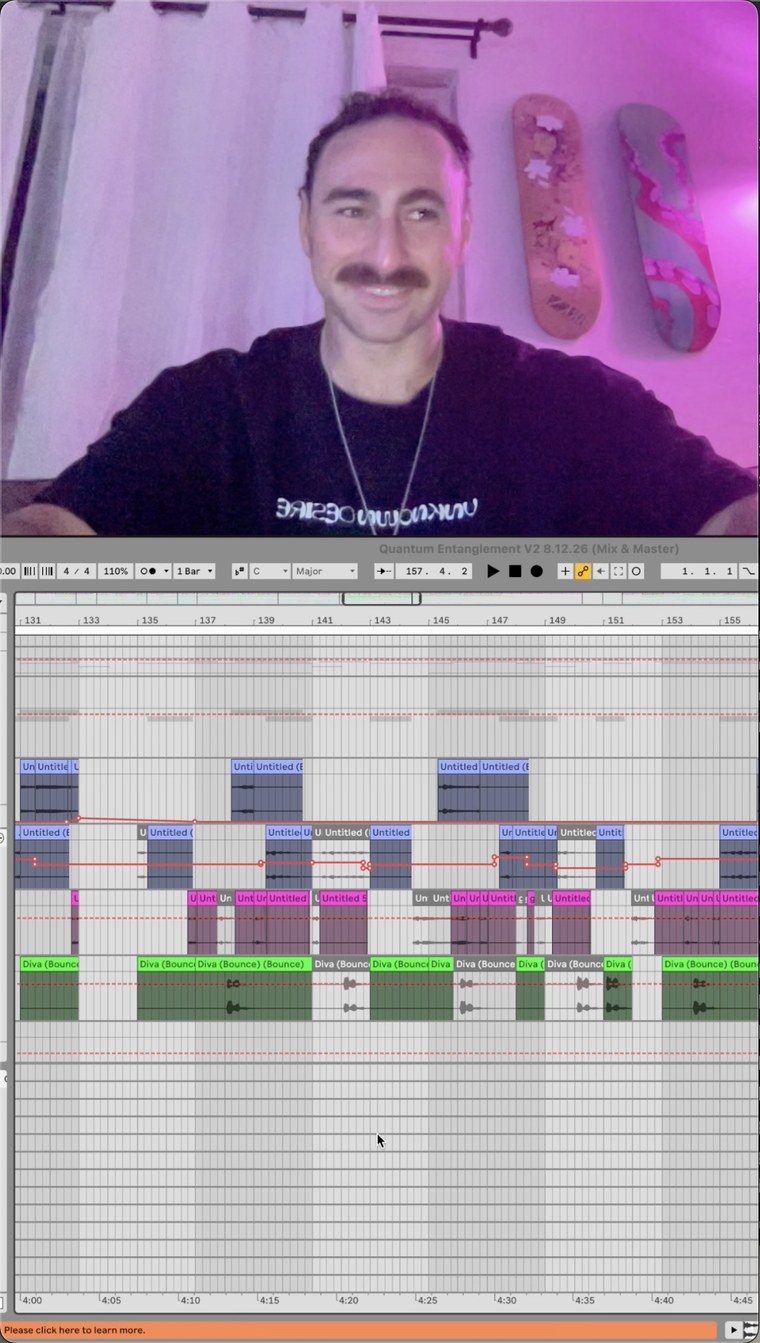
How do I record my DAW's audio and my mic at the same time on a Mac?
Tapesmith captures your Mac's system audio (your DAW, browser, or any app) and your microphone together, already mixed with your voice smartly ducked over the music. No OBS, no BlackHole, no Loopback, no aggregate devices, no routing setup.
Which DAWs does Tapesmith work with?
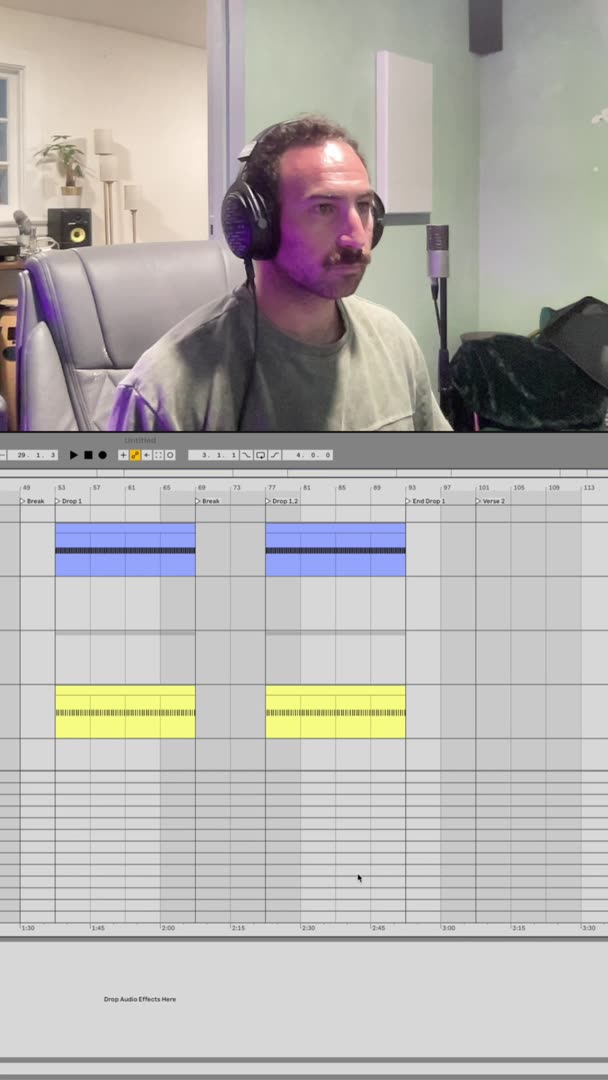
All of them. Ableton Live, FL Studio, Logic Pro, Pro Tools, Studio One, Bitwig, and Reaper are tuned out of the box, and Tapesmith records any other app or your whole screen just as cleanly. No DAW required.
Can I livestream with Tapesmith?
Yes. One click sets Tapesmith up for Twitch, YouTube, or TikTok Live (or any custom RTMP server), streams your composited screen, camera, and mixed audio, and saves a local recording of the stream at the same time.
Can I edit a video I didn't record in Tapesmith?
Yes. Drag any video onto the window, from your phone, your camera, or anywhere else, and pick what happens to it: trim the dead air, add captions, add the cinematic glide, set the loudness for social. Anything that file cannot take is greyed out with the reason why. Your original is never changed, the edit is saved as a new file.
Can I do a whole batch of videos at once?
Yes. Drop several in together and Tapesmith runs them as a queue. Everything that needs no decisions from you happens first, video after video, so you can walk away. When that is finished the caption editors open one after another, so you confirm every video's words in one sitting. A batch's videos are saved together in a single new folder.
Will the captions cover my face on a phone video?
No. On a dropped video Tapesmith finds your face in the shot and places the captions clear of it, rather than assuming a layout, and a clip filmed in landscape stays landscape. Every word is still editable before you render.
Do I need headphones?
Only when you talk while audio is playing, just like any recording setup. Headphones keep your mic from picking up your speakers so your voice stays clean over the music. Tapesmith reminds you in-app if you're on speakers.
What do I need to run Tapesmith?
An Apple Silicon Mac (M1 or newer, so 2020 and later) running macOS 14.2 Sonoma or newer. It does not run on Intel Macs. No OBS, no extra audio software, no BlackHole, no routing, no aggregate devices to set up.
Why a subscription instead of a one-time price?
Tapesmith is in active development: new features, fixes and improvements ship regularly, and the subscription funds that work. While subscribed you always run the newest version with every feature included, and you can cancel anytime.
How is this different from OBS or a normal screen recorder?
OBS records but cannot hear your DAW without BlackHole or an aggregate device, and it does not edit: you still open a timeline to cut filler words, trim pauses and add captions. Tapesmith captures your mix in one click with no routing, and does the editing for you, so what you get back is already postable.
What happens when the 7 day trial is up?
Recording new takes pauses until you subscribe. Everything you already recorded stays in your Movies folder and stays openable and playable forever. Nothing locks and nothing is deleted.
Does the trial watermark my videos?
No. The trial is the full app and your exports come out clean, the same as a subscriber's.